Lock Backstage Display Scaling to 100% - Make it Independent of Console

Right now, if the console has some display scaling setting (125% or 150% for example on a high resolution screen) the backstage session follows that scaling at 1024x768. That makes certain display elements unreadable. Please unlink this display scaling from the physical console. Anything other than 100% is not appropriate for 1024x768, which is the only available resolution for backstage.
Here is an example of two computers side by side with different display scales with no way to adjust in ScreenConnect.
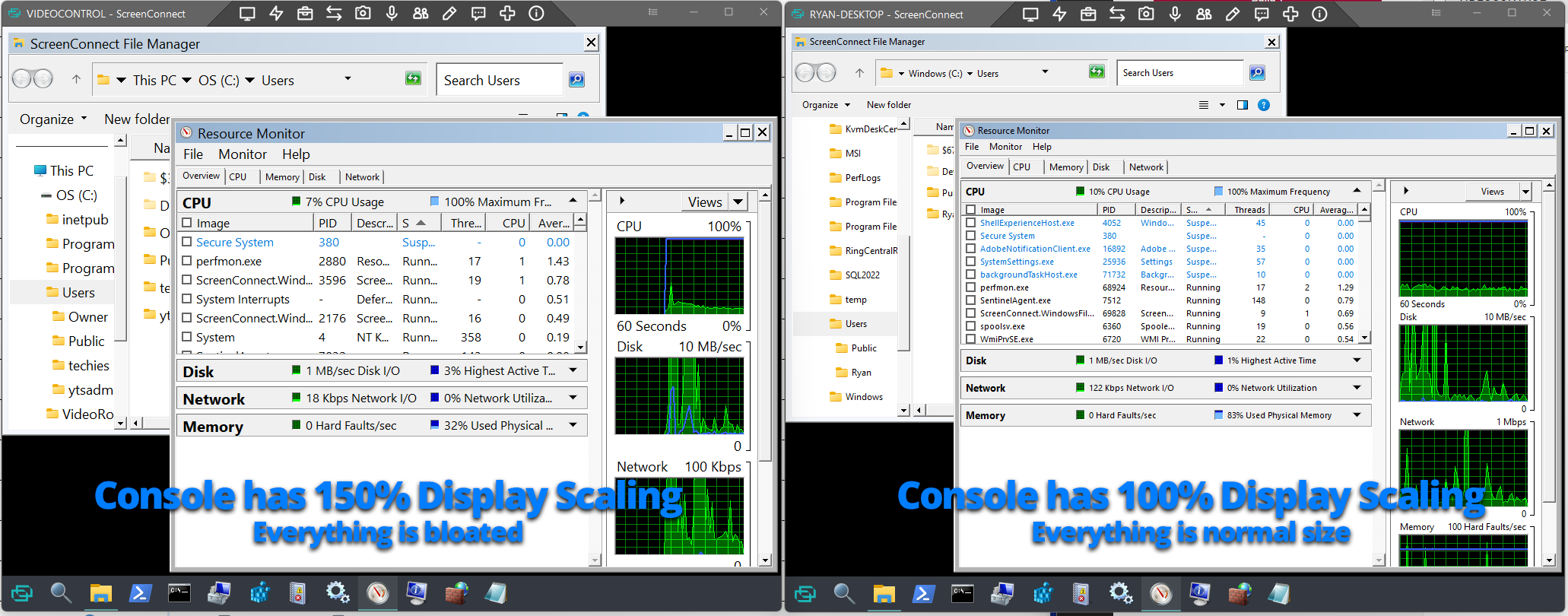

This is not good: This needs to be a top-level fix, otherwise what's the point of backstage.